
The best online survey tools in 2026, from free form builders to research software
Ten online survey software options, from Google Forms to research tools, compared on free plan, conditional logic, export, API and hosting in November 2026.
October 17, 2026
Godefroy
Updated on November 12, 2026
- For a free survey with no response cap, Tally and Google Forms are the most generous options. Tally also hosts its data in Belgium.
- If responses must stay in France, Drag’n Survey and Eval&GO host them in Paris and offer servers certified for health data on their higher plans.
- Typeform and Jotform make the most polished forms, but their free plans stop at 10 and 100 responses a month.
- Framaforms is free and tracker-free, but a form expires after six months by default and caps at 5,000 responses.
- A survey measures a score well. To learn what explains it, an interview with the people who gave a low score tells you more than the open text box.
To build an online survey for free, Tally and Google Forms have the most generous free plans among online survey software: unlimited forms and responses, conditional logic included. Tally hosts its data in Belgium, while Google Forms sends responses straight to Google Sheets. If responses must stay in France, Drag’n Survey and Eval&GO host them in Paris. For a research questionnaire with complex conditions and statistics, LimeSurvey and SurveyMonkey go furthest, LimeSurvey as far as exporting to SPSS and R. Typeform and Jotform make the most polished forms, but their free plans run out quickly. This page compares ten tools on six criteria, with prices and limits read on each vendor’s site in November 2026.
Raconte publishes this comparison. We build a voice interview tool where an AI runs the conversation, a different category from surveys, so Raconte stays out of the ranking. You use Raconte after a survey, when a score needs an explanation. Every entry links to the vendor’s site.
How we compared the tools
We read the pricing page, the product pages, the help center and the legal pages of each tool in October 2026, then compared all ten on six criteria. We checked every price and limit again in November 2026.
- We measure how far the free plan goes: number of forms, responses and questions, and whether the vendor’s branding shows.
- We check whether conditional logic, which shows a question based on the previous answer, is part of the free plan.
- We look at response export (CSV, Excel, Google Sheets, PDF, statistics formats) and which plan includes it.
- We note access from code: API, webhooks, Zapier or Make connectors, an MCP server for AI agents.
- We record where the data is hosted, and whether hosting in the European Union depends on the plan.
- We check that the form shows in the respondent’s language, and which languages the builder itself comes in.
The ten tools fall into three groups. Free form builders cover most surveys. Polished, all-round form tools cost money as soon as volume grows. Survey software targets studies, statistics and hosting constraints. Start with the group that matches your need. The numbers run from 1 to 10 so the list reads in one go. Inside each group, the order follows one rule you can check: how many responses the free online plan lets you collect, with nothing to install. On a tie, a tool that hosts data in the European Union on every plan goes first. A tool that caps responses without publishing the number goes last.
| Tool | Free plan | Conditional logic on free | Paid from | Export and code access | Data hosted in the EU |
|---|---|---|---|---|---|
| Tally | Unlimited forms and responses, under a fair use policy | Yes | €20 a month | Google Sheets, API, webhooks, MCP | Yes, in Belgium, on every plan |
| Google Forms | Unlimited forms and responses, no published cap | Yes | Included in Google Workspace, from €6.80 per user per month excl. VAT | Google Sheets, CSV, Forms API | On some paid Workspace editions |
| Framaforms | 200 forms, 5,000 responses per form, six-month lifetime by default | Yes | Free, funded by donations | CSV, no API | Not stated for Framaforms |
| Microsoft Forms | 200 responses per form with a personal account | Yes | Included in Microsoft 365 | Excel, CSV, Power Automate | Yes, for organizations based in the EU |
| Jotform | 5 forms, 100 responses a month | Yes | $34 a month billed yearly | CSV, Excel, PDF, API, webhooks, MCP | Yes, in Germany, for accounts created in the EU |
| Typeform | 10 responses a month | From the Basic plan | $28 a month billed yearly | API, webhooks, MCP | Enterprise plan only |
| Drag’n Survey | Unlimited surveys, 20 questions and 200 respondents per survey | From the Plus plan | €18 a month excl. VAT, billed yearly | Excel and PDF from Plus, Zapier | Yes, in Paris |
| Eval&GO | 25 responses and 10 questions per survey, after a 14-day trial | From the PRO plan | €25 a month excl. VAT, billed yearly | Free CSV, API and webhooks from PRO+ | Yes, in Paris, on every plan |
| LimeSurvey | 25 responses a month online, unlimited when self-hosted | Yes | €29 a month incl. VAT, billed yearly | CSV, Excel, SPSS, R, API | Yes, Germany or Finland, your choice |
| SurveyMonkey | 10 questions per survey, limited number of viewable responses | Partly | €36 a month billed yearly | Export on paid plans, API | Enterprise plan only |
Free form builders
These four tools cover a satisfaction survey, a sign-up form or an internal poll at no cost. What sets them apart is where they host data and which tools they plug into.
1. Tally
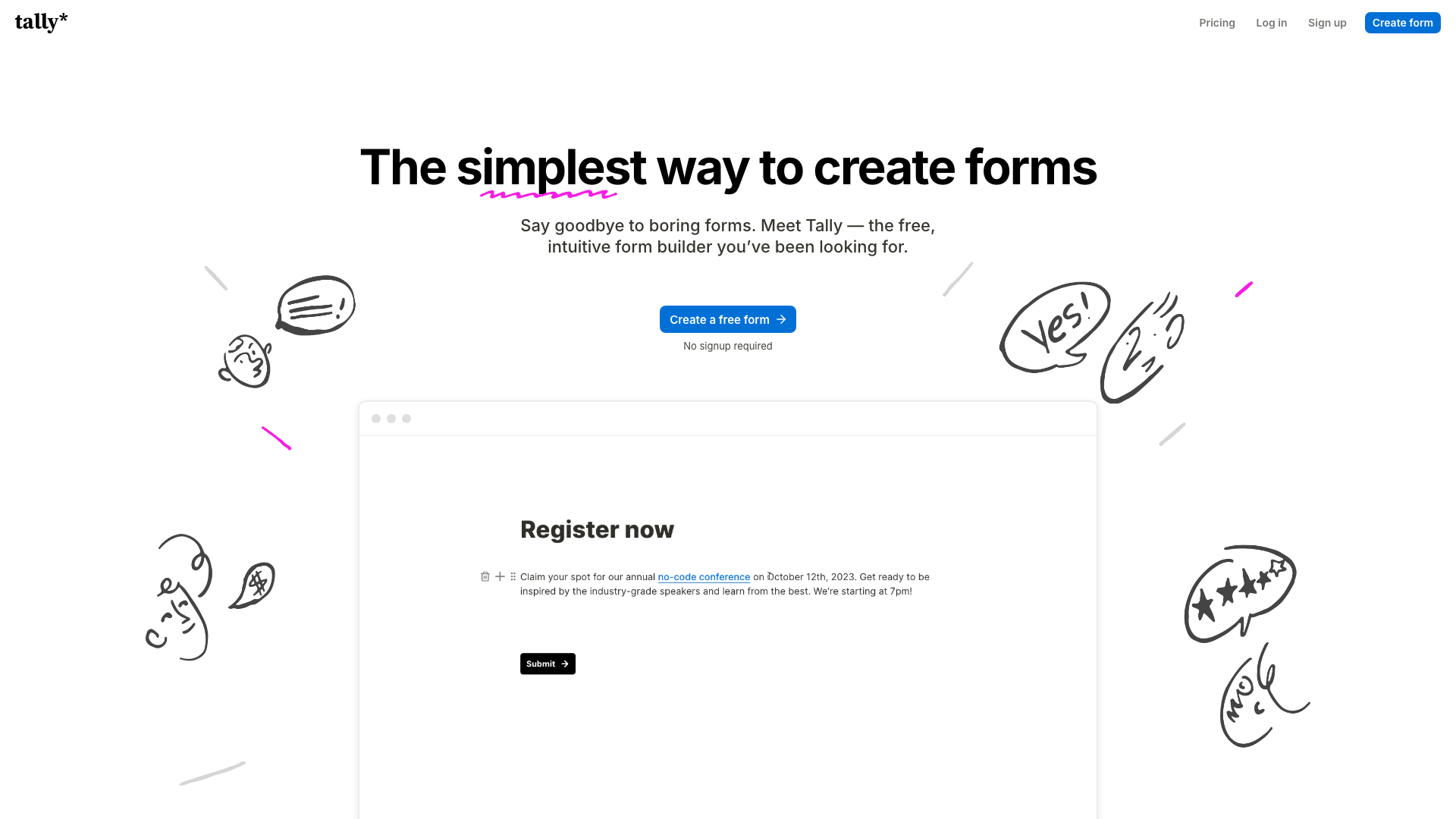
Tally was founded in 2020 in Ghent, Belgium, by Marie Martens and Filip Minev, without outside funding. Tally claims more than 500,000 teams on its home page, including Notion, Make and Glovo. The builder works like a text document: you type your questions on a blank page and the form takes shape as you write.
Its free plan is the broadest in this comparison. Forms, responses and questions are unlimited, under a fair use policy in which Tally counts 50,000 responses a month as heavy use. Conditional logic, calculations, webhooks and the connections to Google Sheets, Notion, Airtable, Zapier and Make are all free. Tally AI drafts and edits a form from a prompt, on every plan. Tally also runs a free MCP server, so an AI assistant can create forms and read responses. The Tally logo stays on free forms.
Pro costs €20 a month to remove the branding, use your own domain and save partial submissions. Business costs €65 a month. Tally hosts its data in Belgium, under a data processing agreement that applies without a signature. Default form text shows in more than 45 languages. Tally collects responses and sends them on to your tools, without analyzing them.
2. Google Forms
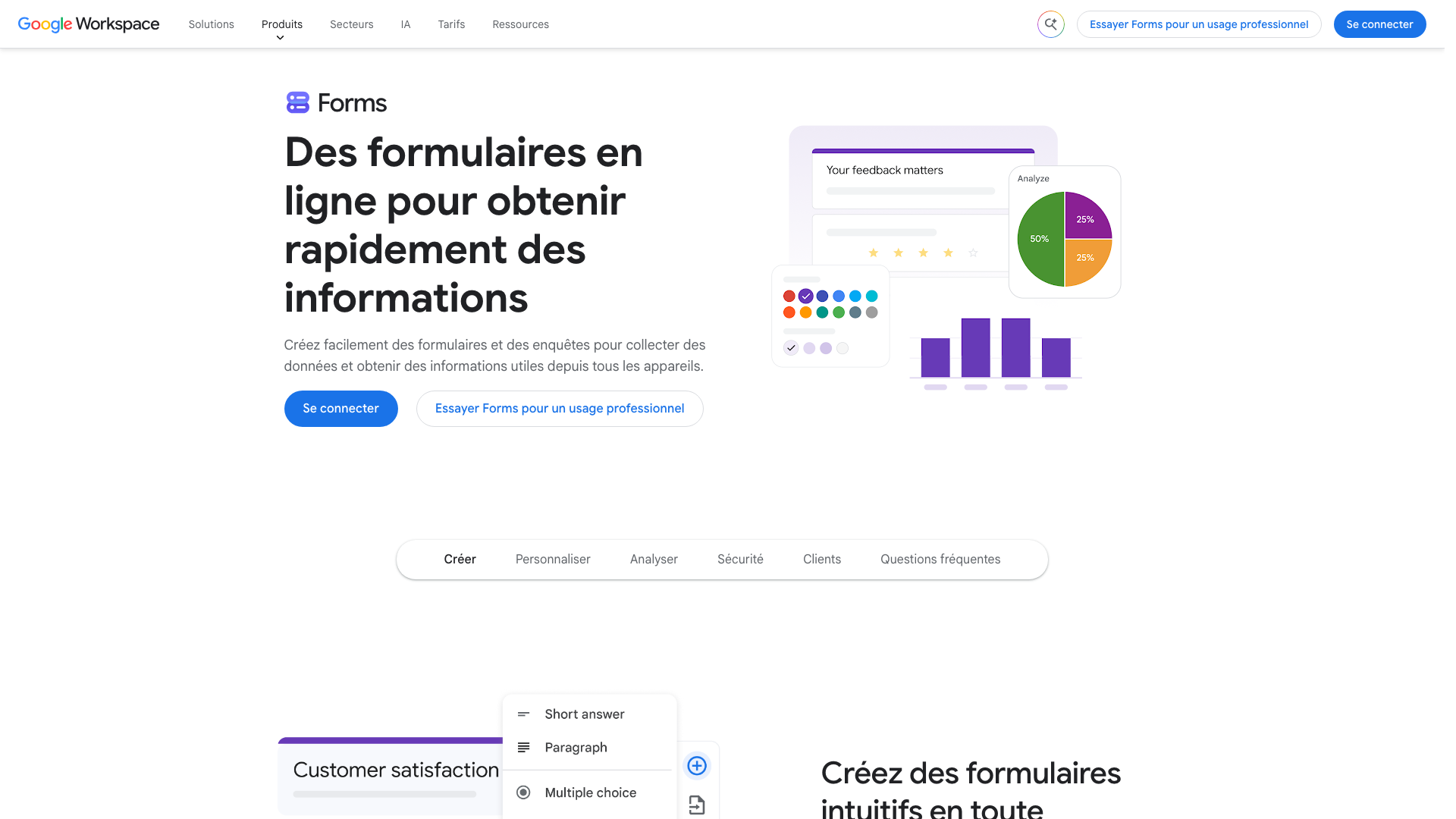
Google Forms is free with any Google account, with no published cap on forms, responses or questions. Responses land in a Google Sheets spreadsheet you can download as CSV, at no cost. Conditional logic works through sections: depending on the answer, the respondent moves to the section you picked. Developers get the Google Forms API and Apps Script.
It is the easiest tool to pick up for anyone who already lives in Google Drive. It is also the most limited in design: themes come down to a color, a header image and a font. Gemini’s AI features (drafting a form from a prompt, summarizing open answers) need Google Workspace Business Standard or a higher edition, or a Google AI Pro subscription. Gemini drafts forms in 29 languages, French included. Google Workspace starts at €6.80 per user per month, excluding VAT, in France.
Hosting is the point to check. Google only lets you pick the European Union as a data region on some paid Workspace editions, without saying on its help page whether Forms responses are covered. In November 2022, the French education ministry asked schools to stop rolling out the free editions of Google Workspace and Microsoft 365, citing a recommendation from the CNIL, the French data protection authority, in favor of providers subject to EU law. For a survey that collects sensitive personal data, pick a tool that hosts in the European Union.
3. Framaforms
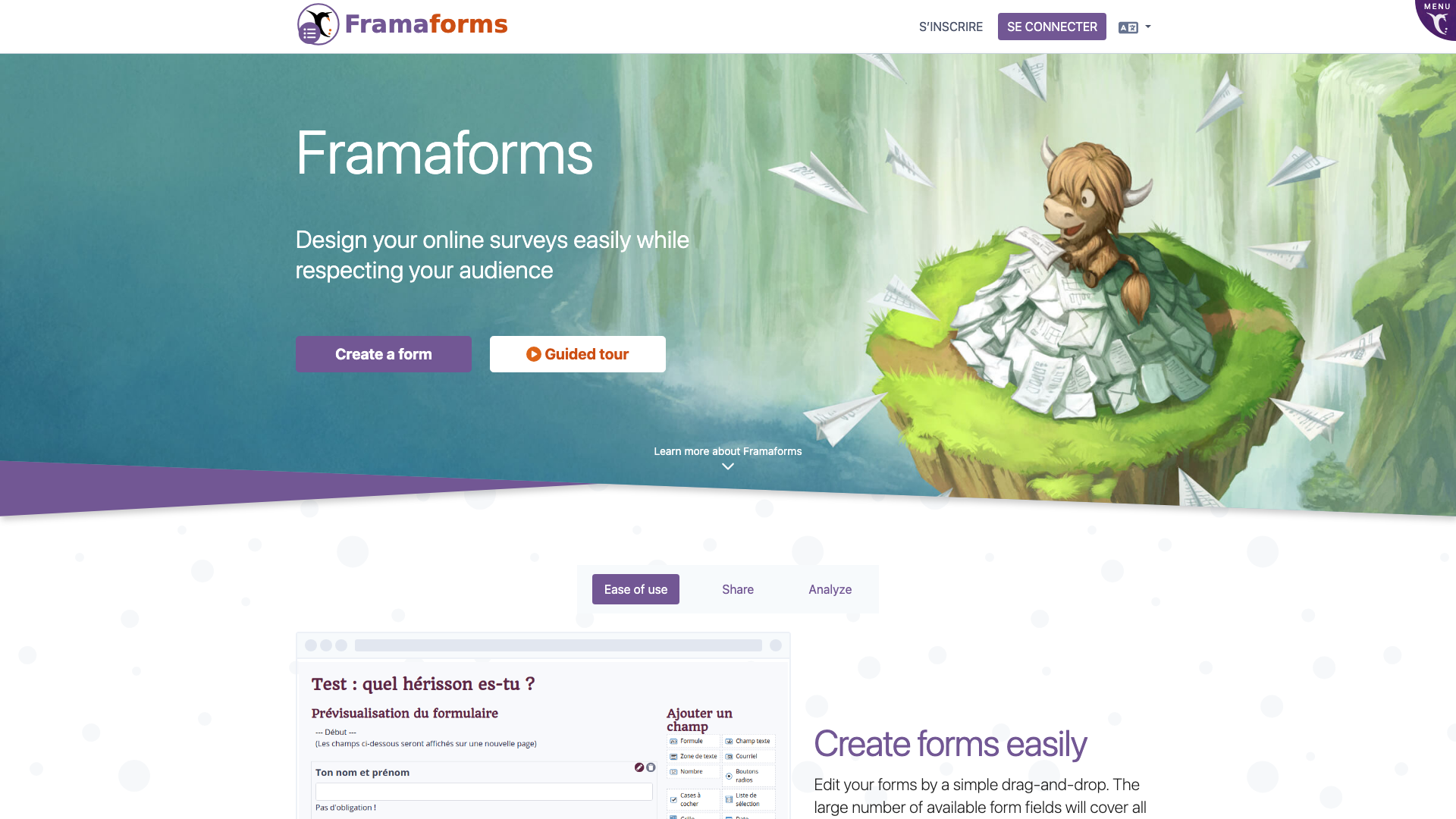
Framasoft, a French non-profit founded in Lyon in 2004, launched Framaforms in 2016 as a free software alternative to Google Forms. The service is free, with no ads and no tracking, and runs on donations. According to Framasoft’s published figures, 217,433 forms were created on it in 2025, by 522,686 users in total.
Each account can create 200 forms. A form accepts at most 5,000 responses and expires after six months by default. Conditional fields show, hide or require a question based on an answer. Results export to CSV and display as charts online. Framaforms has no API, webhooks, connectors or AI features. The interface is in French and about twenty other languages, English included.
Framasoft plans to move Framaforms to LiberaForms, another free software project, which already runs in beta at beta.framaforms.org. The non-profit has announced no date and describes the move as an intention with no firm commitment. For a one-off survey for a non-profit, a class or a community group, Framaforms does the job well. For a survey that has to run for years, or connect to other tools, pick Tally or survey software.
4. Microsoft Forms
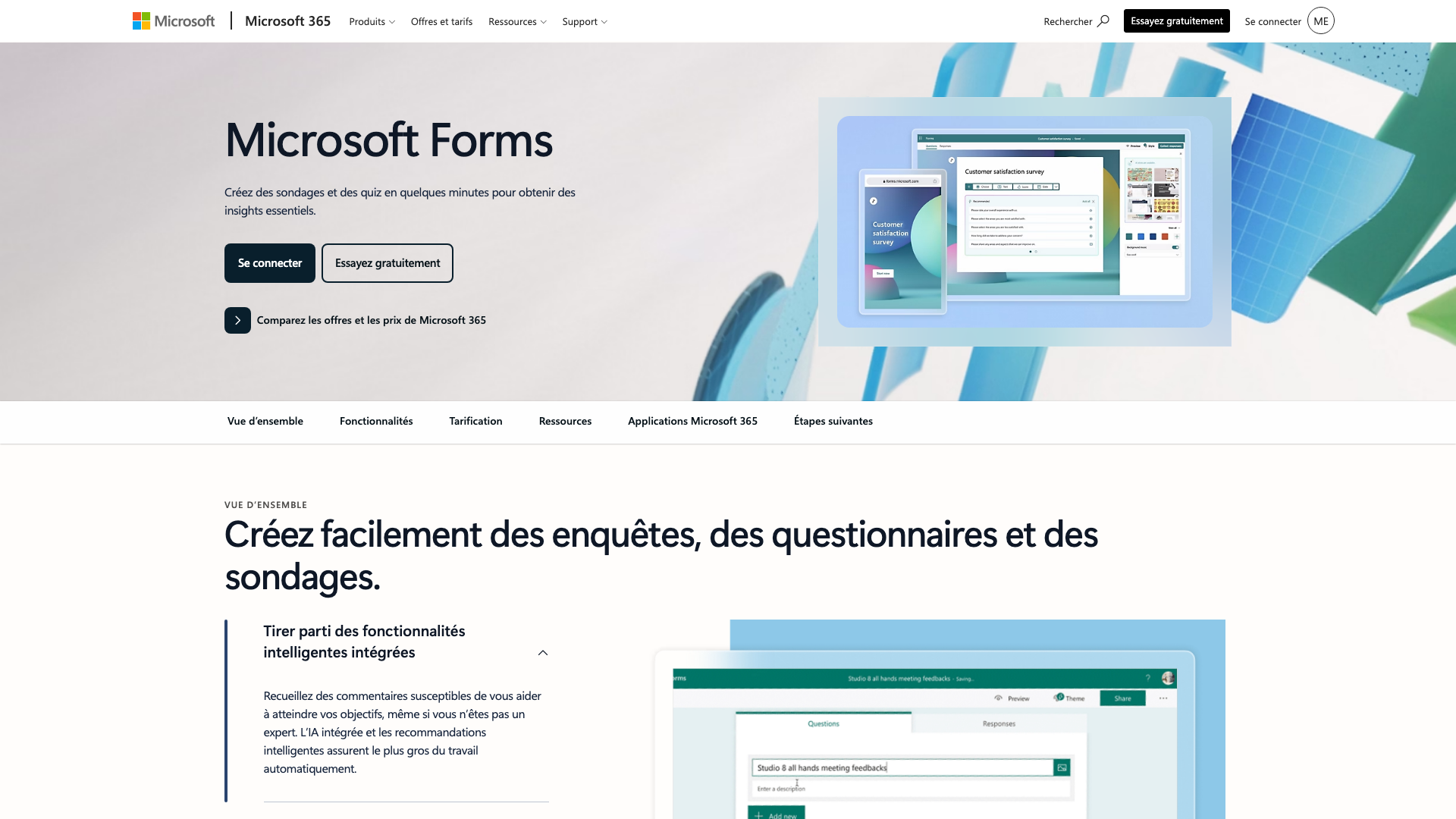
Microsoft Forms launched in 2016 for education, then opened to businesses. It is free with a personal Microsoft account and included in Microsoft 365 business and education subscriptions. An account can create 400 forms of 200 questions each.
The limit that matters is responses. With a free personal account, a form accepts 200 responses, then 1,000 with a personal subscription. In an organization on Microsoft 365, the limit rises to 5 million responses per form. Conditional logic is included. Responses open in Excel. To trigger an action on every new response, use Power Automate. Microsoft publishes no REST API for Forms.
For organizations based in the European Union, Microsoft stores Forms data within the EU and EFTA. Copilot drafts a form and summarizes responses, with a Microsoft 365 Copilot license. Microsoft Forms is the right pick for a company or a school already on Microsoft 365: you share surveys in Teams and respondents sign in with their work account.
Polished, all-round form tools
These two tools build more refined forms than the free builders, with more integrations, but their free plans cap early and the price follows the number of responses.
5. Jotform
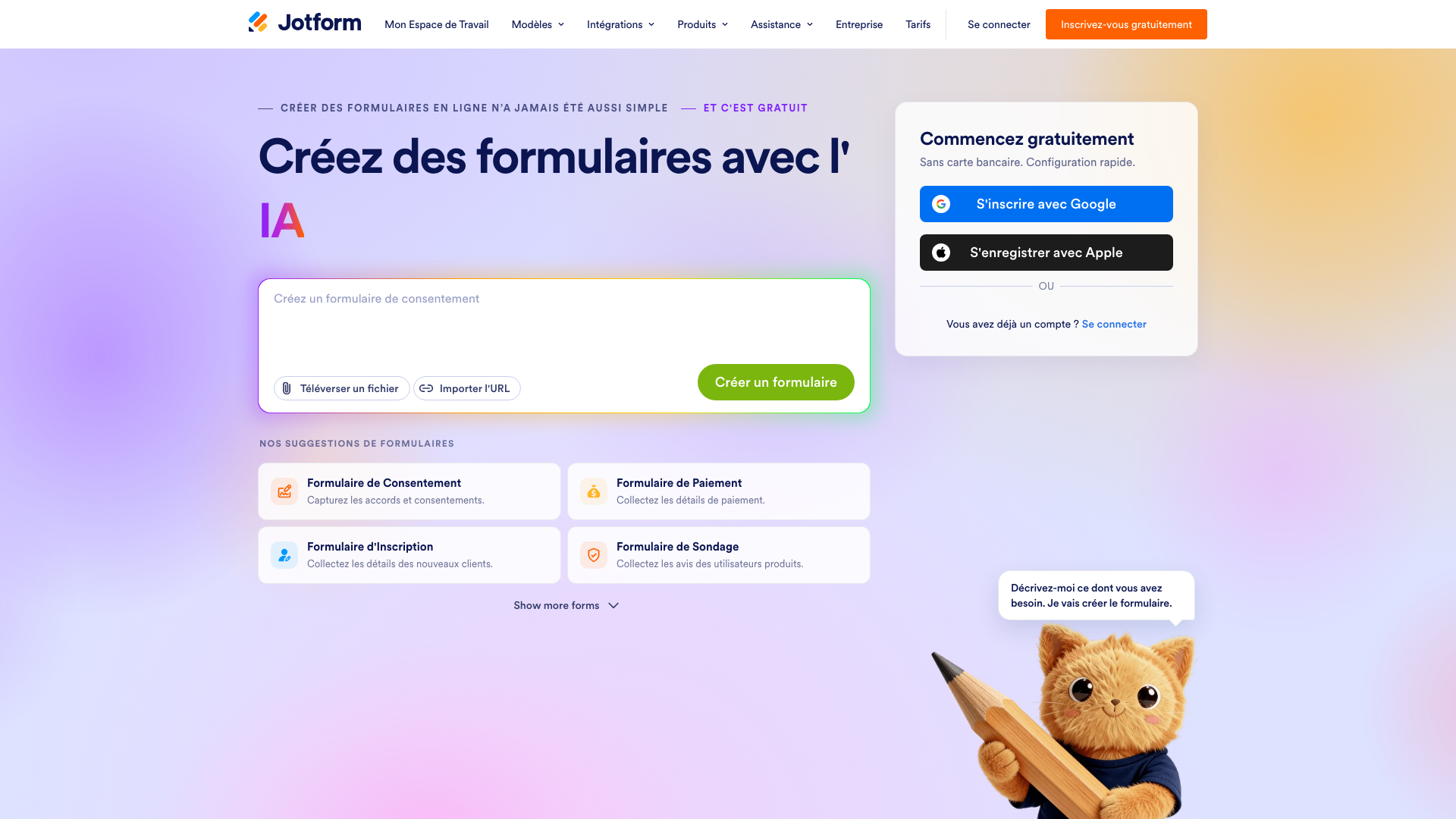
Jotform was founded in 2006 in San Francisco by Aytekin Tank, without outside funding, and claims more than 40 million users. It is the most versatile tool in this comparison: payments, signatures, PDF generation, approval flows, HIPAA-compliant forms for US healthcare, and thousands of templates.
The free Starter plan gives 5 forms, 100 responses a month and 100 fields per form, with Jotform branding. Conditional logic and the AI generator that drafts a form from a prompt are both free. Bronze costs $39 a month, or $34 a month billed yearly, for 25 forms and 1,000 responses a month. Silver goes to 2,500 responses and Gold to 10,000. Non-profits and education get 50% off.
Jotform offers an API, webhooks, more than 100 native integrations and an official MCP server. Accounts created from the European Union are hosted on servers in Germany, where other accounts can also move their data. A signed data processing agreement is available on request. The builder is partly translated into French, which Jotform support describes as a gradual rollout. Forms display in French and many other languages.
6. Typeform
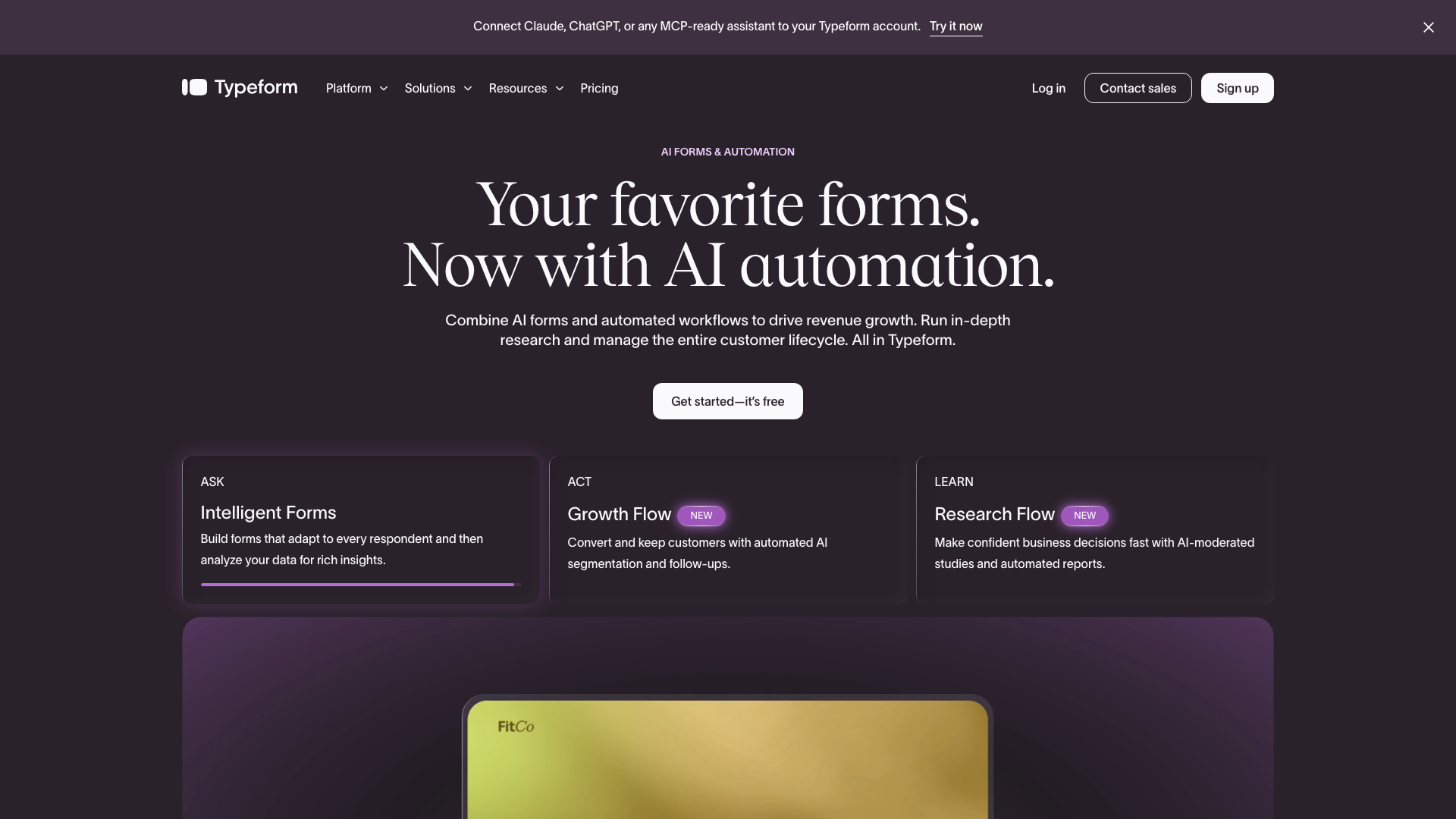
Typeform was founded in Barcelona in 2012 and made the one-question-per-screen form popular. Its forms are still the most polished on the market, especially on mobile, which makes it the tool of marketing teams, quizzes and job applications. Hermès and L’Occitane are among the logos on its home page.
The price follows response volume, counted across the whole account. The free plan stops at 10 responses a month. Basic costs $39 a month for 100 responses ($28 billed yearly), Plus $79 for 1,000 and Business $129 for 10,000. Conditional logic and AI form drafting are listed from Basic. Clarify with AI, which asks up to two typed follow-up questions when an open answer is short, only comes with the Talent plan, at $169 a month or $119 billed yearly.
Typeform offers a REST API, webhooks and an MCP server. Its data is hosted in the United States, except on the Enterprise plan, which offers a European data center. The builder only comes in English or Spanish, while forms can be in other languages. We compared Typeform, Tally and Google Forms in detail for teams weighing whether to stay.
Survey software
These four tools serve studies: long questionnaires, quotas, cross-tabs, reports, and for the two French vendors, hosting in France with a certified option for health data.
7. Drag’n Survey
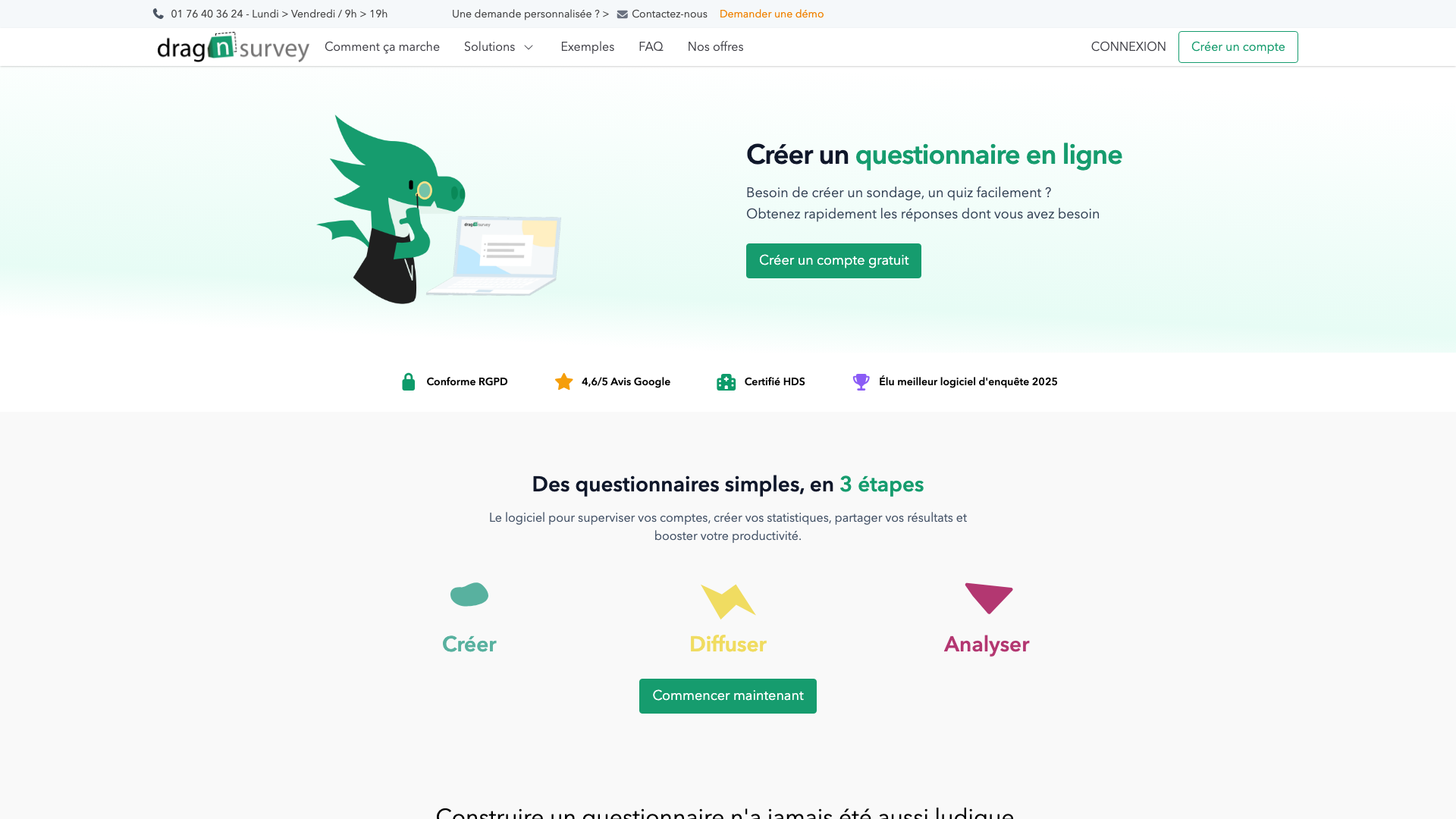
Drag’n Survey is a French vendor founded in 2014, based near Paris, which claims more than 300,000 users. It targets small businesses, local authorities, healthcare and education, with a builder fully in French and a site in nine languages.
The free plan gives unlimited surveys, with 20 questions, 3 pages and 200 respondents per survey, and a Drag’n Survey link in the footer. Branching logic, quotas and Excel and PDF export start with Plus, at €18 a month excluding VAT billed yearly (€24 month to month), for 2,000 respondents per survey. Premium, at €36 a month excluding VAT billed yearly, removes the respondent cap and adds multilingual surveys, open answer analysis and HDS-certified servers for French health data.
Data is hosted on AWS in Paris, with backups in Frankfurt. Zapier is available from the free plan. In 2026, Drag’n Survey launched an AI agent that builds a survey from a prompt, a file or a web address, and answers plain-language questions about the results.
8. Eval&GO
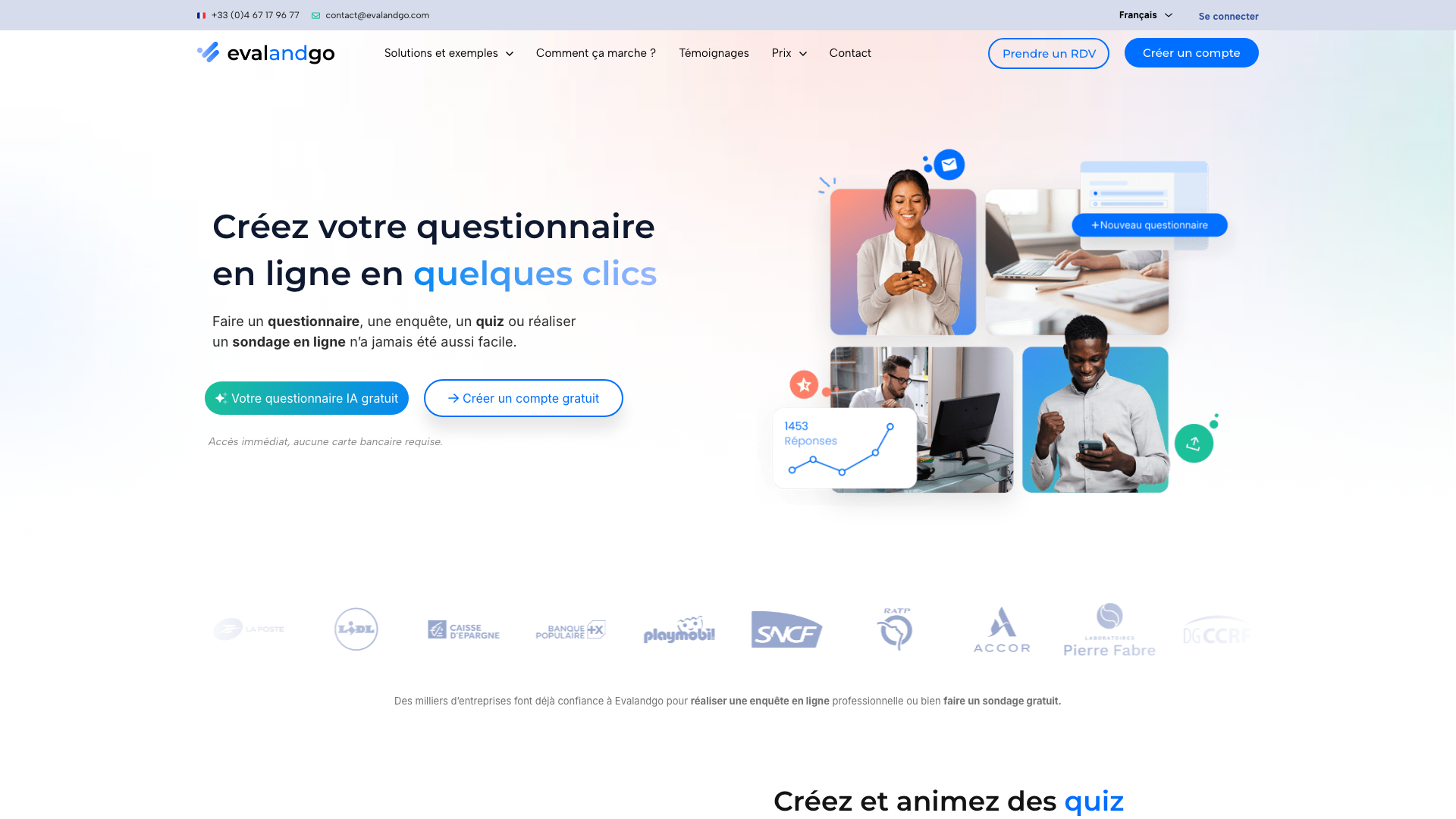
Eval&GO is a vendor that has been based in Montpellier, France, since 2010. It lists SNCF, RATP and La Poste among its customers. It is also listed with UGAP, the French public purchasing agency, which simplifies buying for a public body. The builder comes in French, English and Spanish.
After a 14-day trial, the free plan gives unlimited surveys, with 25 responses and 10 questions per survey. Raw CSV export is free. Conditional logic, PDF and PowerPoint reports and AI survey generation start with PRO, at €25 a month excluding VAT billed yearly (€35 month to month). PRO+, at €39 a month excluding VAT billed yearly, adds the API, webhooks, multilingual surveys and HDS-certified servers.
Eval&GO hosts data on AWS in Paris on every plan, the free one included, with no transfer outside the European Union, and offers a data protection agreement. It is a solid choice for HR, training and the public sector in France.
9. LimeSurvey
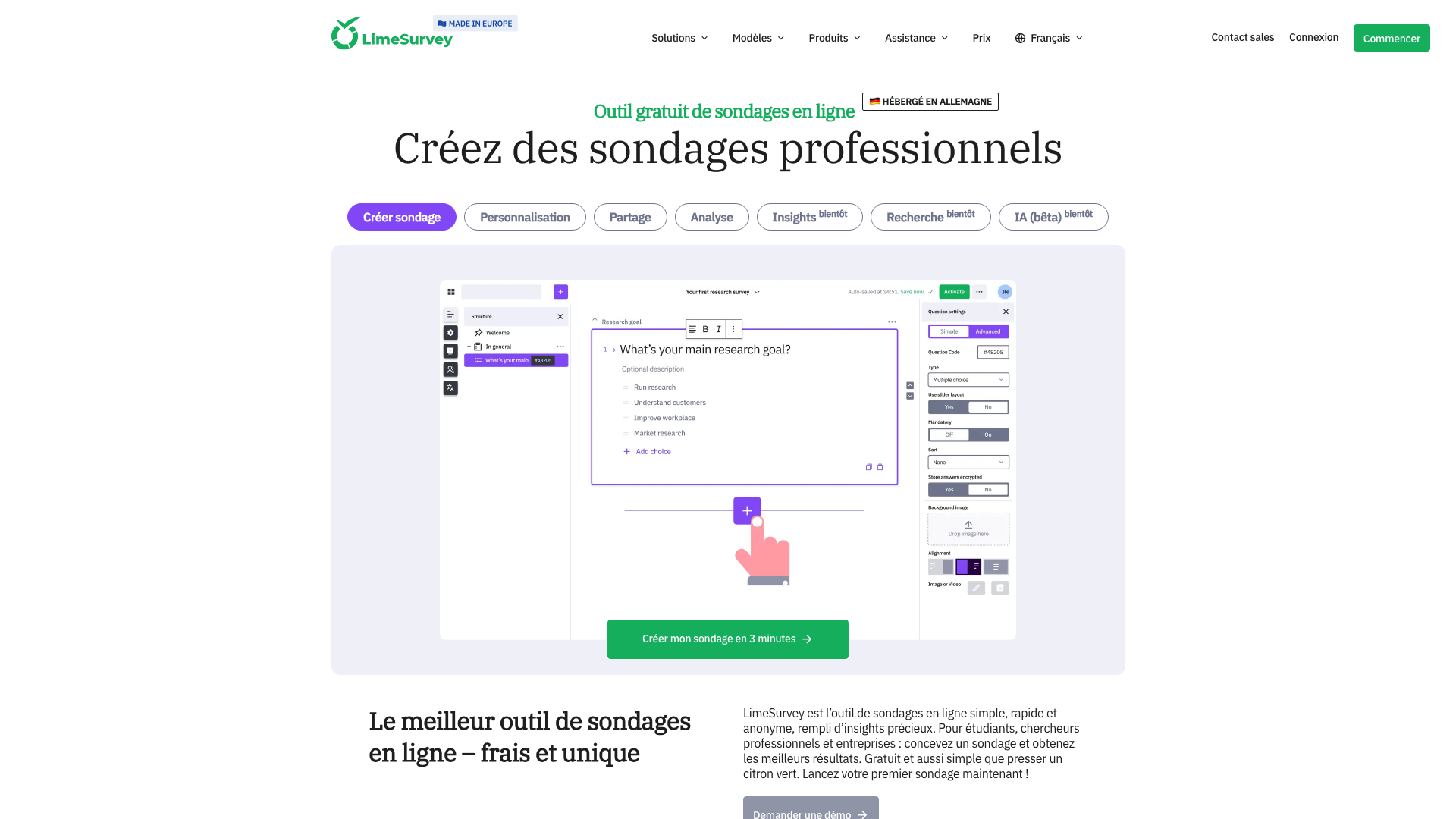
LimeSurvey is open source software that started in 2003 as PHPSurveyor and is now published by LimeSurvey GmbH in Hamburg. It claims more than 60,000 companies and institutions as users. Universities and research teams pick it for its advanced logic: expression-based conditions, quotas, randomization, surveys in more than 80 languages, and export to CSV, Excel, SPSS and R.
It comes in two forms. The Community edition is free with no quota, but you install and maintain it on your own server. The Cloud edition hosted by the vendor gives 25 responses a month for free. Basic, with no yearly commitment, costs €34 a month including VAT for 1,000 responses a month. Expert costs €29 a month including VAT billed yearly, for 10,000 responses a year.
Cloud customers choose the hosting country, including Germany and Finland within the European Union. LimeSurvey provides a data processing agreement and an API. LimeSurvey 7, released in August 2026, opens the new survey editor by default, in both the Cloud and Community editions. LimeSurvey takes more learning than Tally or Google Forms. In return, it handles the most complex research questionnaires.
10. SurveyMonkey
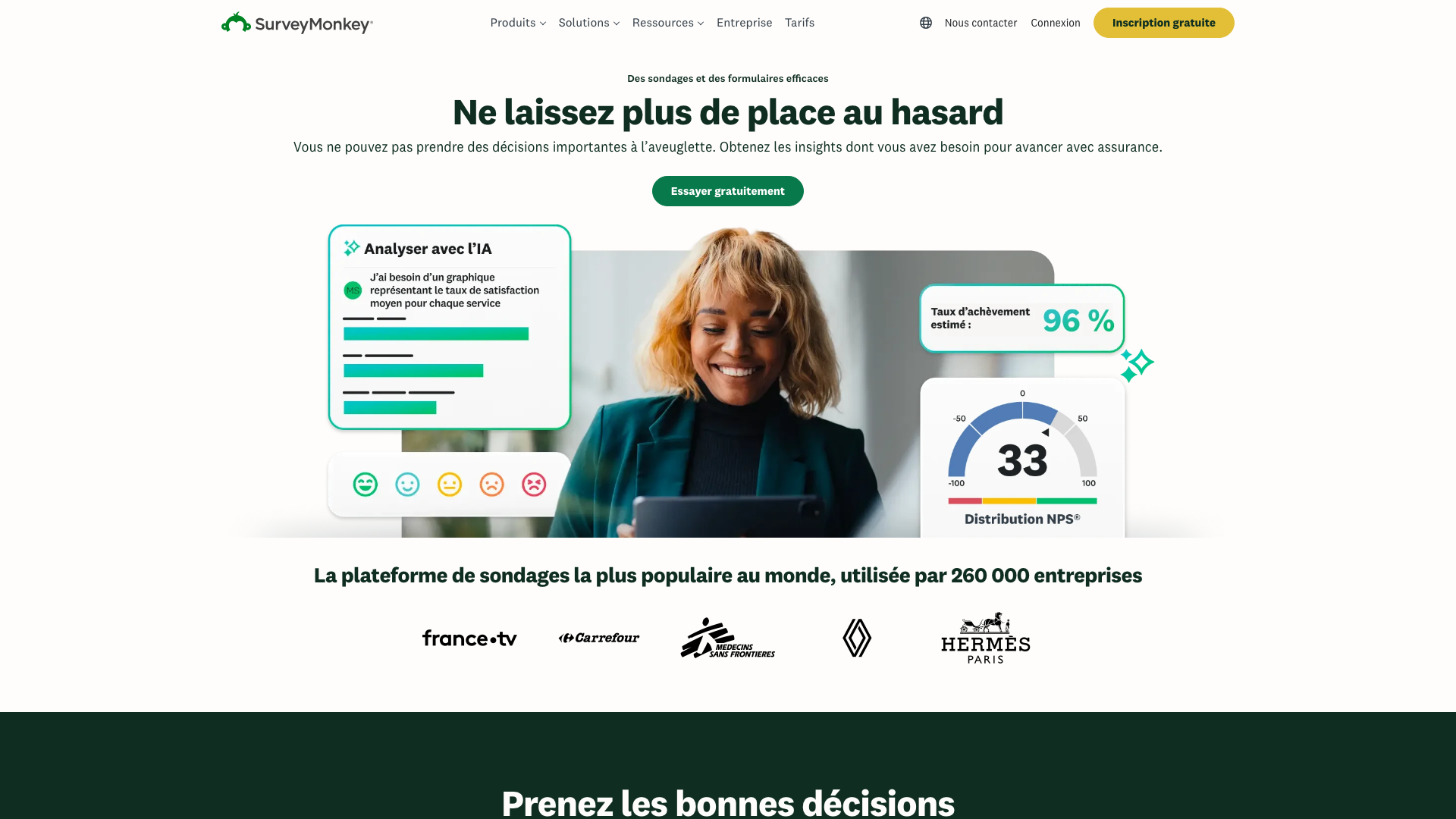
SurveyMonkey has made online surveys since 1999 and claims 260,000 business customers, with France Télévisions, Carrefour and Renault on its French home page. It is the most complete survey tool in this comparison for quantitative work: validated templates, cross-tabs, significance tests, benchmarks, and a respondent panel you can buy.
The free Basic plan limits a survey to 10 questions. It also caps how many responses you can view, without publishing that number. Skip logic is limited on it. To export results, you need a paid plan. Standard costs €39 a month for 1,000 responses a month. Advantage costs €36 a month billed yearly, for 15,000 responses a year and AI analysis of open answers.
European customers contract with SurveyMonkey Europe, in Ireland, but most data is stored in the United States. A European data center is only offered on the Enterprise plan. SurveyMonkey offers an API, more than 200 integrations and surveys you can translate into 57 languages.
How to choose
Start from your hardest constraint, since each criterion rules out different tools.
- For a free survey with no cap, pick Tally or Google Forms. Tally hosts data in Belgium and connects to your tools through webhooks. Google Forms is the obvious pick if responses need to end up in Google Sheets.
- If your organization runs on Microsoft 365, pick Microsoft Forms, which is already paid for and lets internal respondents sign in with their work account.
- If data must stay in France, or if it is health data, pick Drag’n Survey or Eval&GO. Both host in Paris and offer HDS-certified servers on their higher plans.
- For a study with complex conditions, quotas and statistical analysis, pick LimeSurvey or SurveyMonkey. LimeSurvey stays free if you host it yourself. SurveyMonkey also sells a respondent panel.
- For a branded form, a quiz or a job application, pick Typeform. Jotform fits better if the form also needs to take a payment or generate a PDF.
- To plug in an AI agent or an automation, check code access. Tally, Jotform and Typeform publish an MCP server. Eval&GO keeps its API for the PRO+ plan, Microsoft Forms goes through Power Automate since it has no REST API, and Framaforms has no code access at all.
The quality of the answers depends more on the questions than on the tool. Pick the format of each closed question based on what you want to measure. Keep open-ended questions for what a scale will not tell you. For a customer survey, start from a tested customer satisfaction survey.
Other tools came up in our research without making the list. Zoho Survey has the cheapest paid plan, at €7.42 a month billed yearly. forms.app, hosted in Belgium, has given unlimited responses on 5 free forms since June 2026. Fillout accepts 1,000 responses a month for free, API included. Survio, a Czech vendor, gives 100 responses a month for free.
How to create an online survey in 5 steps
The steps are the same whichever tool you pick.
- Start from the decision the survey will inform, then keep only the questions that help make it.
- Pick the format of each question: a scale or a multiple choice to measure, an open question to understand a reason. Put the easy closed questions first and the open question near the end.
- Build the form in the tool, add conditional logic so respondents skip the questions that do not apply to them, and set the language of the form.
- Test it on two or three colleagues, on a phone as well as a computer, then fix the questions they misread.
- Share the link by email, in your product or with a QR code, then read the responses in the tool or in a spreadsheet export.
When a survey is not enough
A survey measures a score well, but it rarely explains what produced it. People skip the open question more than any other: the Pew Research Center measured 18% nonresponse on open-ended questions, against 1 to 2% on closed ones. The answers that do come in are often three words long, like “too expensive” or “not clear”. A form does not follow up, so nobody asks: too expensive compared to what?
People say more out loud. Jan Karem Höhne, a survey methodology researcher, and co-authors measured about 55 words per spoken answer, against 21 per typed answer, on the same open questions. That is why we built Raconte. You describe in a prompt what you want to understand, the person gets a link, talks for a few minutes in their browser, and an AI asks the follow-up questions an interviewer would ask. 82% of the people invited on Raconte finish their interview. You get the transcript, the audio, a summary and the sentiment of each answer.
Raconte picks up after your survey tool when a score needs an explanation. Webhooks from Tally, Typeform or Jotform pass each new response to n8n or Make, which call the Raconte API to send an interview invitation to the people who gave a low score or left the open box empty. You can also add a reusable interview link at the end of your survey, with a response cap. Interviews run in English or French, with data hosted in the European Union.
Frequently asked questions
What is the best free online survey tool?
Tally has the broadest free plan: unlimited forms, questions and responses under a fair use policy, conditional logic, webhooks and data hosted in Belgium. Google Forms is also free with no published cap, and sends responses straight to Google Sheets. Framaforms is free and tracker-free, but a form expires after six months by default and caps at 5,000 responses.
Is Google Forms 100% free?
Yes, Google Forms is free with any Google account, with no published cap on forms, questions or responses. You can also export to Google Sheets or CSV at no cost. You only pay for Gemini and for an EU data region: to draft forms with Gemini, you need Google Workspace Business Standard or a Google AI Pro subscription, and only some paid Workspace editions let you pick an EU data region. Files that respondents upload count against the form owner’s Google Drive storage.
Is Microsoft Forms free?
Yes, Microsoft Forms is free with a personal Microsoft account. A form then accepts up to 200 responses, or 1,000 with a paid personal Microsoft 365 subscription. In a company or school on Microsoft 365, Forms is included in the subscription, with up to 5 million responses per form. To draft a form with Copilot, you need a Microsoft 365 Copilot license.
What is a good Google Forms alternative?
Tally is the closest free alternative to Google Forms, with unlimited responses, free conditional logic and data hosted in Belgium. Microsoft Forms fits an organization on Microsoft 365. Jotform and Typeform build more polished forms, but their free plans stop at 100 and 10 responses a month. For a study with statistics, LimeSurvey and SurveyMonkey go further than Google Forms.
Which AI can create a survey?
Most survey tools now draft a form from a prompt. Tally AI and Jotform’s generator do it on every plan, the free one included. Typeform offers it from the Basic plan, Eval&GO from the PRO plan, Drag’n Survey through its AI agent launched in 2026, Google Forms with Gemini from Workspace Business Standard, and Microsoft Forms with a Copilot license. Always reread the generated questions: an AI readily writes double-barreled or leading questions.
Which survey tools host data in the European Union?
Tally hosts in Belgium and Eval&GO in Paris, both on every plan, the free one included. Drag’n Survey hosts in Paris, Jotform in Germany for accounts created in the EU, and LimeSurvey Cloud in Germany or Finland, your choice. Microsoft Forms keeps data in the EU for organizations based there. Google Forms only offers an EU data region on some paid Workspace editions. Typeform and SurveyMonkey only offer a European data center on their Enterprise plans.
Which free survey tools support conditional logic?
Tally, Google Forms, Framaforms, Microsoft Forms, Jotform and LimeSurvey include conditional logic on their free plans. SurveyMonkey limits it on its free plan. Typeform offers it from Basic, Drag’n Survey from Plus and Eval&GO from PRO.
How much does online survey software cost?
Tally, Google Forms, Framaforms and Microsoft Forms let you work for free. Entry-level paid plans cost €18 a month excluding VAT at Drag’n Survey, €20 at Tally, €25 excluding VAT at Eval&GO, €29 including VAT at LimeSurvey and €36 at SurveyMonkey, billed yearly. Jotform and Typeform bill in dollars, from $34 and $28 a month billed yearly.
Can an AI agent create and send a survey?
Yes, when the tool exposes an MCP server or an API the agent can call. Tally, Jotform and Typeform publish an MCP server, so an assistant can create a form and read the responses. Google Forms has an API, and Microsoft Forms connects through Power Automate.
Where to start
For most surveys, a free tool is enough: Tally if you want data hosted in the European Union and connections to your tools, Google Forms or Microsoft Forms if your organization already lives in their suite. Move to Drag’n Survey or Eval&GO when hosting in France matters, and to LimeSurvey or SurveyMonkey when the study needs statistics.
The day a score drops and the open box stays empty, add an interview. Raconte gives you 60 interview minutes every month with no credit card, then charges $0.12 per minute of speech, with no subscription.


