
REST API
Manage interviews and invitations over HTTP with an organization API key.
Raconte exposes a REST API to manage interviews and invitations directly over HTTP. It is the same surface the MCP server drives, available to any HTTP client. Use MCP when you want an AI agent to operate the product, and the REST API when you integrate from your own backend. For terminals and scripts, reach for the CLI; for TypeScript or Node apps, the SDK.
The complete, interactive reference (every endpoint, parameter, schema, and a built-in “try it”) lives here:
Open the interactive API reference →Base URL
https://api.raconte.aiEvery path is prefixed with the API version, for example https://api.raconte.ai/v1/interviews. A breaking change gets a new version segment rather than a change to v1, and a retired version answers with the Deprecation and Sunset headers for at least six months first. The developers page has the full policy.
Authentication
Authentication uses an organization API key, created from Settings → API in the app and scoped to one organization. Every request runs against that organization; resources from other orgs are never returned.
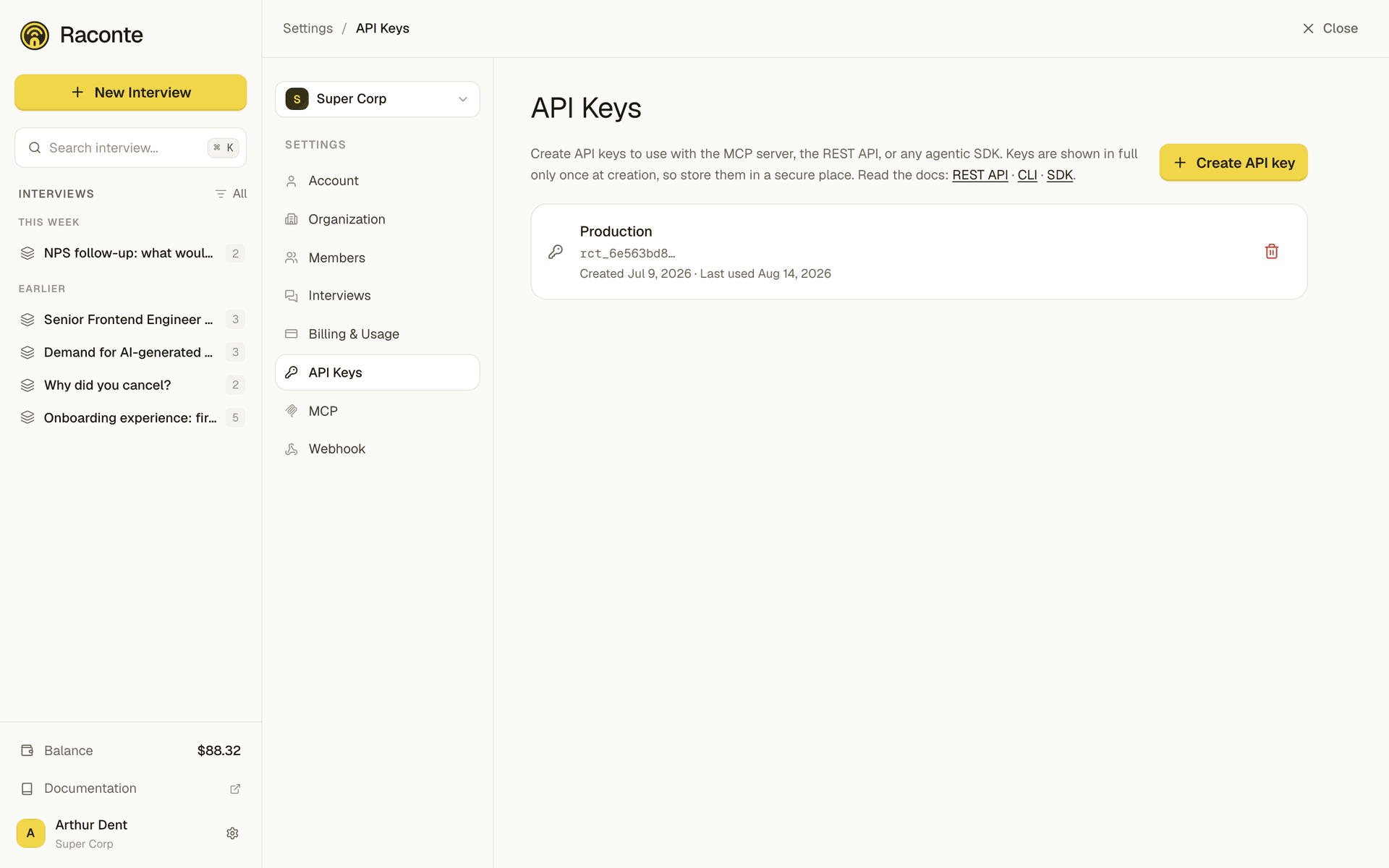
The full value is shown once, at creation. Store it somewhere safe: afterwards only the prefix is displayed.
Pass the key as a Bearer token:
Authorization: Bearer YOUR_API_KEYAn x-api-key: YOUR_API_KEY header is also accepted.
curl https://api.raconte.ai/v1/interviews \ -H "Authorization: Bearer YOUR_API_KEY"Rate limits
Every response carries the IETF RateLimit headers, so a client can throttle itself without guessing:
RateLimit-Policy: 300;w=60RateLimit-Limit: 300RateLimit-Remaining: 297RateLimit-Reset: 42The quota is 300 requests per minute per API key, shared across all endpoints. Past it the API answers 429 with a Retry-After header giving the seconds to wait.
Errors
Errors come back as JSON, never as an HTML page. Most carry the HTTP status, a short error label and a readable message; a failed validation answers 400 with the per-field detail in an errors array. Both shapes are typed in the specification. The developers page shows an example of each.
What you can do
- Interviews: create, list, read, update, archive/restore, regenerate the intro or first message, and read activity logs.
- Invitations: create (single or bulk), list, read, update, send, cancel, reactivate, archive/restore, read logs, and get a presigned audio URL for a message.
Account-level operations (billing, webhooks, API key management, organization settings) are not available through API keys: they stay in the authenticated app.
See the interactive reference for the full request and response schemas.